Skip to the project story
Matter

Construction ERP for design-build teams.

Bring bids, project management, Schedule, and Financials together. Connect your model and Drawings to RFIs, Submittals, Change Orders, and field updates. All branded to your business.

Follow the work from bid to build.

Sample workflow

Put your model to work.

Bring your design team’s model and Drawings into Matter. Connect scope, RFIs, and Change Orders to the places they affect. Keep each revision, update, and next action in context.

Your team supplies the design. Matter keeps the work around it connected.

The supplied concept set includes a typical floor with the structural grid, stairs, lifts, washrooms, meeting rooms, and workspaces; an east elevation with the taller block and lower wing; and a site plan with access and landscaping. The design team also supplies the model. Matter connects the project work to these sources.

Give every part of the build a place.

Organize scope by division, cost code, and subtrade. Give concrete, steel, glazing, mechanical, and electrical contractors the supplied model, Drawings, and assumptions behind their price.

See what is included, what is allowed for, and what still needs an answer.

Sample scope budgets: Division 01, General Requirements; General contractor; $2,600,000; Division 03, Concrete; Concrete contractor; $5,900,000; Division 05, Metals; Structural steel fabricator / erector; $700,000; Division 07, Thermal and Moisture Protection; Roofing / waterproofing contractors; $1,100,000; Division 08, Openings; Curtain-wall glazing contractor; $4,100,000; Division 09, Finishes; Drywall / ceilings / flooring trades; $4,600,000; Division 14, Conveying Equipment; Elevator contractor; $1,000,000; Division 21, Fire Suppression; Fire sprinkler contractor; $450,000; Division 22, Plumbing; Plumbing contractor; $950,000; Division 23, HVAC; Mechanical / sheet-metal contractor; $2,800,000; Division 26, Electrical; Electrical contractor; $1,300,000; Division 27, Communications; Structured cabling contractor; $120,000; Division 28, Electronic Safety and Security; Fire alarm / security contractors; $80,000; Division 31, Earthwork; Excavation / grading contractor; $700,000; Division 32, Exterior Improvements; Paving / landscape contractors; $350,000; Division 33, Utilities; Site utilities contractor; $250,000.

One scope. Every bid in view.

Send the glazing package to invited subtrades. Collect their bids against the same Drawings and cost code, with inclusions, exclusions, and lead times attached. Morgan can see who has responded and what needs clarification.

The price arrives with the scope behind it.

Three sample glazing bids received for cost code 08-44-13: Apex Glazing, $3,980,000, Sealants & access excluded, 16-week lead time; Northline Facades, $4,080,000, Access excluded, 18-week lead time; Clearspan Systems, $4,240,000, Base scope included, 14-week lead time.

An early question makes a clearer bid.

The glazing subtrade raises an RFI about the shading scope. Ball in Court makes the next response clear: Lissa answers with Revision B, then Morgan reviews the response and updates the estimate.

The RFI response stays with the drawing, subtrade, and cost code. The shading remains a separate alternate.

Glazing subtrade: Does the base glazing scope include the external shading fins? Lissa: Keep the east-facade fins as an alternate. Use the updated elevation in Rev B. Morgan: Base scope aligned. Carry the shading alternate separately.

Level the scope. Evaluate the bid.

Compare the glazing bids on the same basis. Morgan allows for excluded work, checks lead times against Schedule, and keeps the shading alternate separate. The lowest submitted price only tells part of the story.

Leveling adjustments inform the review. Confirm the revised scope and price with the subtrade before award.

Sample leveled bids, using allowances for excluded scope: Apex Glazing: $3,980,000 submitted, $120,000 adjustment, $4,100,000 leveled; Northline Facades: $4,080,000 submitted, $80,000 adjustment, $4,160,000 leveled; Clearspan Systems: $4,240,000 submitted, $0 adjustment, $4,240,000 leveled. Adjustments are comparison allowances, not accepted revisions to a bid.

A conceptual bid with its reasoning.

Bring scope from Estimating into Bidding, with subtrade quotes and design contingency attached. Show the owner the base estimate, separate alternate, and assumptions.

An estimate built from your team’s scope and subtrade quotes, with design context attached.

Sample conceptual bid: scope $27,000,000, design contingency $1,400,000, total $28,400,000. Shading alternate $220,000 is excluded from the base. This is a concept estimate for owner review, subject to design development.

Carry the scope into contract.

Prepare the Prime Contract and Subcontract with the agreed inclusions, exclusions, and exhibits. Keep Drawings, RFI clarifications, Schedule, and billing terms with the package. Ball in Court identifies the next reviewer.

Review the package, then obtain signatures. The executed agreement stays with every Change Order and payment request.

Later, after owner acceptance and scope confirmation, review two sample contract packages: Prime Contract, $28,400,000. Exhibit A includes Whole-building scope & design contingency. Ball in Court: Alex · Owner review. Subcontract · Apex Glazing, $4,100,000. Exhibit A includes Curtain wall, sealants & access. Ball in Court: Apex · Subcontract review. Both exclude the $220,000 east-facade shading alternate. Exhibit B · Drawings & clarifications: Rev B · Pre-bid RFI response. Exhibit C · Schedule & billing: Milestones, Schedule of Values & terms. These are illustrative exhibit labels. Each agreement has its own review and signature; neither is executed in this review view. The confirmed Apex price includes sealants and access, following the bid clarification. Executed versions remain attached when the story moves into Schedule and billing.

Turn the award into a plan.

Once the agreements are executed, carry Apex’s confirmed scope and milestones into Schedule. Connect Submittal review, fabrication, delivery, and installation, with a responsible subtrade and clear dependencies.

Plan the dates around the commitment. Track actual progress as the work happens.

Later, after contract review and signatures: Apex Glazing awarded $4,100,000, Subcontract executed. Sample Schedule after award: Submittal review, weeks 1 through 2; Fabrication, weeks 3 through 18; Delivery & install, weeks 19 through 22. These are planned activities, not recorded completion.

Track the build against the model.

As crews build on site, Maya records deliveries, installation progress, and open questions. Follow those updates against the supplied model, with the current Drawings and Schedule beside the work.

One project, from the first delivery to the final installation.

Illustrative sequence: the delivery truck and mobile crane arrive as the structure rises. Maya coordinates the crew on site.

A question. An exact place.

Later, the south-facade connection needs an answer. Raise RFI 024 at the right place in the model, with the current drawing attached and Ball in Court set to Lissa.

The location, revision, and person due to respond are clear.

Lissa brings the answer.

Lissa issues the revised design and attaches Revision C to her RFI response. Morgan reviews the answer with the drawing beside it, then takes the scope change into pricing.

The RFI response stays connected to the Change Order it informs.

Lissa’s sample response: Use the revised slab-edge connection in Rev C. I’ve attached the detail so the team can price the change.

Know what the change will cost.

Price the scope change against its cost code, with materials, installation, and Lissa’s RFI response together. Review the cost and Schedule impact before submitting the Change Order for approval.

A priced change is ready for review. Approval is a separate step.

Sample quote: materials $18,600, installation $6,200, proposed total $24,800.

Agree the change. Keep the trail.

The general contractor and owner sign Change Order 008. The approved scope, amount, RFI response, and drawing revision stay connected to the agreement.

The commercial agreement is ready to travel with the work.

Sample Change Order 008, $24,800, signed by the general contractor and owner.

Step inside the decision.

Move through the revised facade into the structure behind it. The surrounding building recedes, revealing the same floor, its frame, and the space the next trades will share.

One location, carried from the connection into the coordinated floor.

See how the pieces fit together.

Inspect the electrical, air, and water systems in the supplied model. Bring the related Drawings, approved Submittals, and Schedule activities into view before the next subtrade starts.

The model gives each subtrade the context for its Schedule activities.

Give the field a clear answer.

Maya receives the issued drawing, approved Submittal, and signed Change Order. She briefs the crew from the exact revision and checks the installation activity in Schedule.

Confirm receipt, then track installation progress separately.

A field update becomes a Daily Log.

On site, Maya records the crew, installed work, and a delivery hold as the build moves around her. Matter AI prepares a Daily Log draft from her field update. Maya checks the details before publishing.

The field update stays attached. Morgan confirms delivery and checks the Schedule impact.

Maya’s sample field update: Six installers on the south facade today. Anchors checked against Rev C. Two panels still awaiting delivery. Morgan, please confirm the delivery date. Matter AI drafts the Daily Log. Reviewer: Maya. Morgan confirms delivery and checks the Schedule impact.

Create the document the job needs.

Draft a client update from the Daily Log and approved drawing. Morgan reviews the progress, delivery follow-up, and source revisions before sharing through the Client Portal.

Your client sees the project clearly, under your brand.

Check the invoice against the work.

Apex’s invoice arrives with its Subcontract and field records. Morgan checks quantities, previous billing, and retainage before approving payment. The two undelivered panels stay outside the claim.

The subtrade’s request and the contractor’s approval keep their own status.

Sample subcontractor invoice: $185,000 billed this period, less $9,250 retainage at the example contract rate of 5 percent; net requested $175,750. In review with Morgan. The two undelivered panels are excluded.

Give every payment request its proof.

Prepare the owner’s AIA pay application from the Schedule of Values. Review approved Change Orders, completed work, eligible stored materials, retainage, and previous certificates before submitting.

Application, certification, and payment are separate steps. Ball in Court keeps the next review clear.

Sample owner pay application, a draft for Morgan to review: contract to date $28,424,800, including Change Order 008; completed work $12,150,000 and eligible stored materials $450,000, totaling $12,600,000; retainage $630,000 at the example contract rate of 5 percent; previous certificates $10,735,000; current payment due $1,235,000. This owner application is separate from Apex’s subcontractor invoice. Submission does not mean certification or payment.

Check the work. Close the loop.

Later, the remaining panels arrive and the facade is finished. Final Inspections are recorded. The subtrade resolves the Punch List, then Maya verifies the work before the project is ready for handover.

Installed, inspected, and verified are separate steps. Keep the evidence with each one.

Sample closeout sequence: the two remaining panels arrive and are installed. Final Inspections pass, the subtrade resolves the Punch List, and Maya verifies completion before handover.

Finish the build. Keep the connection.

The equipment leaves. The building opens. Final Drawings, completed Inspections, warranties, and project contacts come together in your branded Client Portal, ready for the people taking over.

A clear handover, under your name.

Built. And still connected.

People arrive, the lifts move, and the building gets to work. See air, water, and power serving the occupied floors, with model context and sensor readings beside the systems they describe.

A vision for connected operations. This preview uses simulated sensor data.

Simulated readings: air 72.1 °F; power 187 kW; water 12.4 gal/min; occupancy 286 people. These are illustrative values, not measurements from a connected building.

Your projects.
Your people.
Your brand.

Bring your team, clients, and subcontractors onto the same page. Keep RFIs, Submittals, and Change Orders connected to the drawings and decisions. Ball in Court shows who needs to respond next.

Give clients a clear view of their project through a branded Client Portal: Schedule, progress updates, and decisions that need their attention. Subtrades have the current scope, approved Submittals, and drawing revisions they need to keep work moving.

All branded to your business. Your name, logo, and colors. Build client confidence that can lead to repeat work and referrals.

See the wider Matter toolset

3D model & actions

View your design team’s IFC model. Orbit, zoom, recenter, or open it full screen.

In this design preview: Open RFIs at the affected location. Review linked Drawings and Submittals. Follow Change Orders, Ball in Court, Schedule, and field updates in context. Inspect electrical, air, and water systems together.

Overview

Home

Project Management

Schedule · RFIs · Submittals · Meetings · Daily Log · Tasks

Directory

Directory

Documents

Files · Drawings · Photos · Forms

Financials

Contracts · Budget · Cost Codes · Change Orders · Change Events · Direct Costs · Invoicing · Subcontractor Invoices · AIA Pay Applications

Coming soon: Prime Contracts · Budget (Imported) · Commitments · Prime Change Orders · Change Events (Imported) · Direct Costs (Imported) · Timesheets

Preconstruction

Scope · Bidding

Communication

Chat

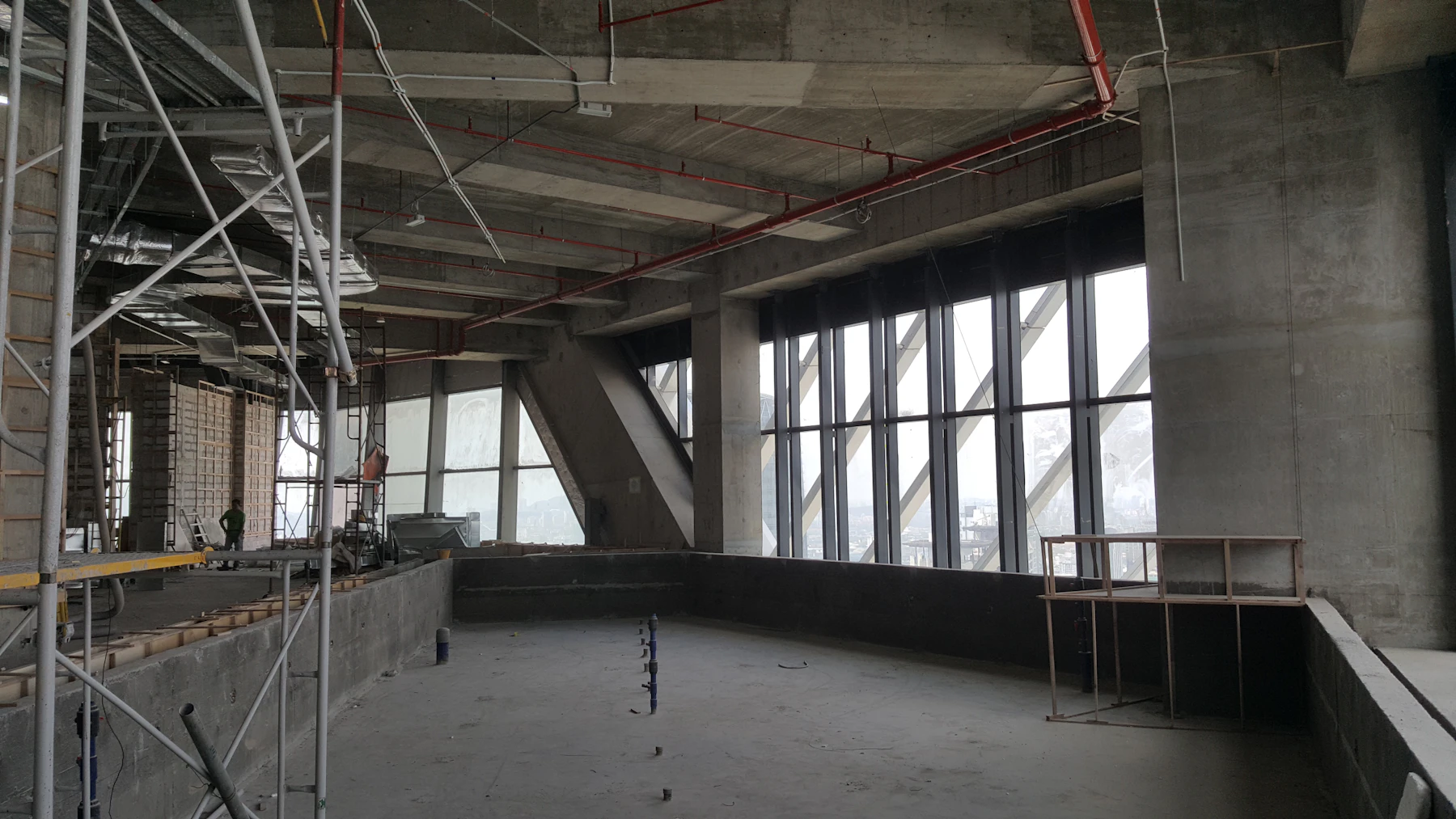
Concrete columns, glazing, and services coming together inside a commercial buildingA crew coordinating concrete placement and finishing on an elevated slab
The plan in the office. The reality in the field. One connected record.

Start with your next project.

Outgrowing Procore? Bring a real workflow and the handoffs that slow your team down. We’ll map how Matter fits, what needs to move, and what a successful pilot looks like.

Discuss your project